
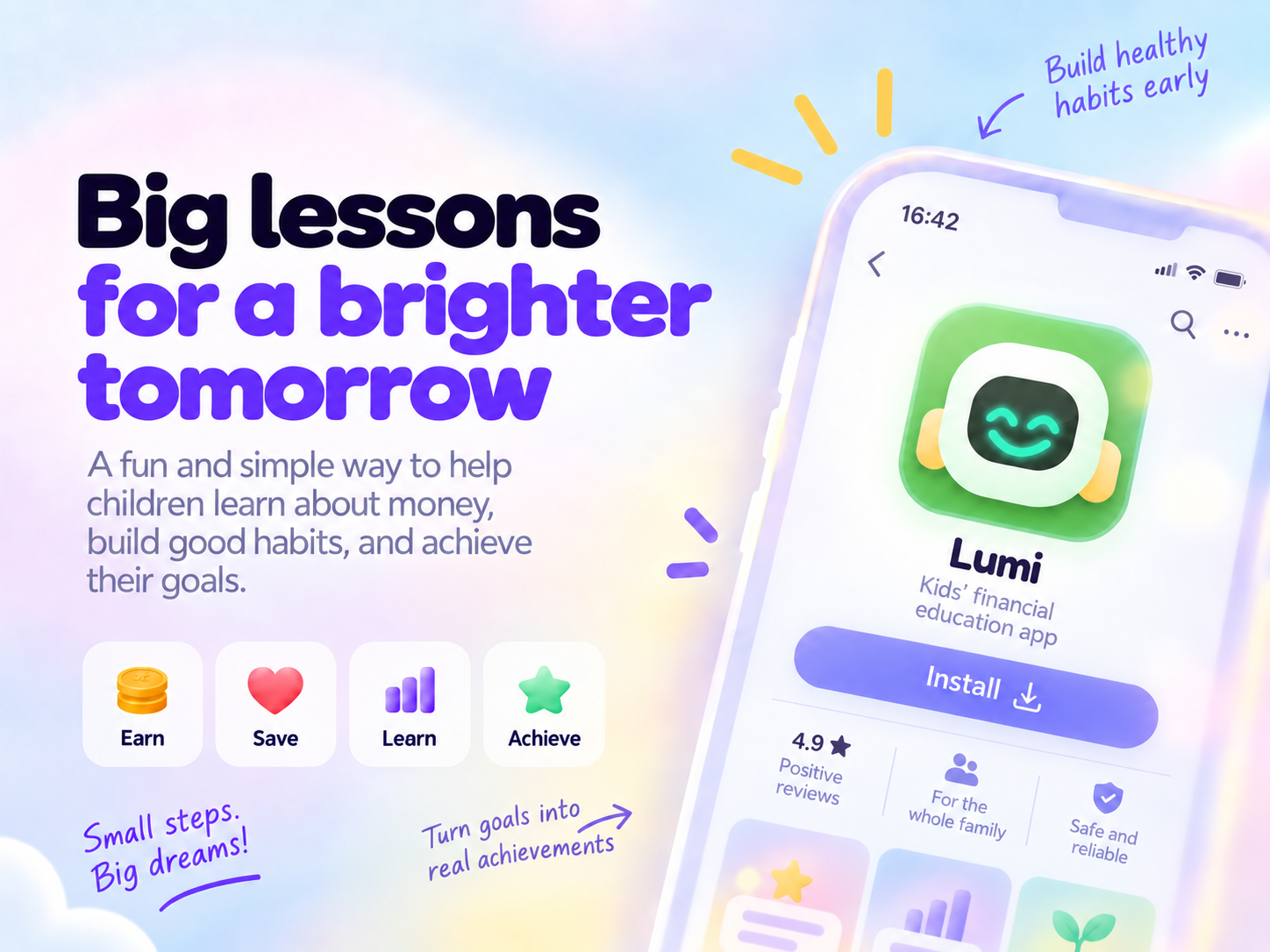


Playful for kids, in control for grown-ups
Get to know the features, built for the whole family.
Built for the whole family
From allowance deals to dream goals, everything lives in one simple, safe place.
Missions & allowance
Parents set chores worth a reward. Kids mark what they did and a guardian approves.
Savings goals
Kids pick a dream, track their progress, and celebrate every milestone.
PIN-protected profiles
Each child gets their own PIN-protected profile, with a separate parent dashboard.
Parent dashboard
See each child's week, history, and progress at a glance.
Designed to protect your family's data
We collect only what the app needs to work. We recommend nicknames instead of real names and keep data protected, with full transparency about what we store.
Read the privacy policy →Financial education for kids, starting with allowance
Talking about money at home is the simplest way to teach a child to save, choose, and wait. Allowance works like practice: the child gets an agreed amount, decides what to do with it, and sees the result of their own choices.
Allowance that teaches
In Lumi, allowance comes from missions agreed with the family. Kids learn that money is earned with responsibility, and the parent approves every task.
Saving for a dream
The goal piggy bank turns a wish into a plan. Kids track how much is left and learn to delay a purchase to get there.
Allowance tracking without real money
Lumi organizes allowance but doesn't move real money or ask for a card. Payment stays with the parents, and the child builds the habit.
How it works
Create your family
A guardian creates the account and shares the family code with their child.
Agree on missions
Pick chores from the catalog or create your own, and set what each is worth.
Save & achieve
Kids complete missions, save in the piggy bank, and move toward their dream.
Need help or have a question?
Our team replies by email. We're here to help you and your family.
Frequently asked questions
The questions parents and guardians ask most.
What is Lumi?
An app that helps children learn about money through allowance, missions (chores), and a savings goal, always with parental supervision.
Is the money in the app real?
It's virtual money, just for tracking allowance and goals; Lumi never moves real money or holds a wallet. You pay the allowance yourself, in cash or a transfer, outside the app.
Do you take a cut of the allowance?
Not at all. Since the money never goes through the app, 100% of the allowance goes straight from you to your child; we never touch a cent.
Do I need to add a card or bank account?
No. Lumi never asks for card or bank details, because it doesn't process any payments; it just helps your family organize allowance and missions.
How does my child actually get the money?
When your child requests a withdrawal, it's just a heads-up for you. You hand over the agreed amount - in cash or a transfer - and your child confirms they received it in the app. Simple and transparent for everyone.
Can my child move money without me seeing?
No. Kids mark missions and can request withdrawals, but nothing real happens without your approval; the final say is always the guardian's.
Is it safe for children?
Yes. Each child uses their own PIN-protected profile, the parent dashboard is separate, and we collect as little data as possible; we recommend nicknames instead of full names, with no last name or date of birth.
What data do you collect?
Only what the app needs to work: the guardian's name and email, the child's nickname and avatar, missions, allowance and family messages. Full details in the privacy policy.
How can I delete or export my data?
You can request access, correction, export, or deletion at any time. Account deletion has a 14-day grace period to change your mind; just sign back in during that window. See the deletion procedure or write to us by email.
Can I have more than one child on the same account?
You can! Each child gets their own profile, PIN, and allowance, all inside a single family account - no limit on how many kids you add.
My child forgot their PIN. What now?
No worries: in the parent dashboard, under the Kids tab, tap your child's name and set a new PIN right away.
Does the app work without internet?
You can see missions, balance, and this help even offline. Approvals, withdrawals, and messages are saved and sent as soon as you're back online.
What languages and currencies does Lumi support?
Portuguese and English, with your family's country currency (BRL, USD, EUR, and more). The choice lives in Settings and applies to every profile in the house.
How much does it cost?
Lumi will have a free trial period, then a simple paid plan to unlock the extra features. The essentials - missions, approvals, allowance, and withdrawals - never get locked. Contact support to hear about launch news.
At what age can a child start getting allowance?
There is no single right age. Many educators suggest starting once a child understands counting and trading, around 5 or 6, with small amounts and simple agreements. In Lumi, each child has their own profile, and missions and goals adapt to them.
What is the ideal allowance amount?
It depends on each family's reality. A good idea is to start with a small, fixed amount tied to agreed responsibilities, and adjust as the child grows. In Lumi, parents set the value of each mission.
Didn't find what you were looking for?
Contact support →Support
We're here to help. Reach us through whichever channel you prefer.